

10 June 2026
What is Customer Lifetime Value (CLV)?
Learn how to calculate, measure, track and improve the lifetime value of a customer using a simple formula to power the performance of your business.
Online retail is a fast-growing industry. If you want to be a part of it, read our guide to setting up an online store and learn how to sell things online.

Whether you’re brand new to retail or you’re the proud owner of a bricks-and-mortar store, adding eCommerce to your mix is a smart move. Online retail is continuing to grow, and selling online can deliver great rewards.
The question is, how do you get started when you want to sell things online? We’ve got you covered with this guide to setting up your very own online store, which runs through the eight key steps to get you up and selling. Check out our helpful guide to online marketplaces for more ideas about how to sell online, too.
Aussie shoppers spent an incredible $62.3 billion on online physical goods in 2021. That’s 19.3% of total retail sales.1 Who wouldn’t want a slice of this pie? An omnichannel approach to selling seems to be a must in today’s retail world.
What’s more, ‘bricks & clicks’ stores (retailers with both physical and online stores) outperformed other categories in the last two years, growing more than 100% since 2019.1 This growth trend is prompting some pure-play online stores to open pop-up physical stores, and vice versa. Shoppers clearly love the convenience of being able to browse online and then pop in-store to touch, feel and buy the product, or browse in-store but wait until a later time to make their purchase online.
If you currently have a retail store and are thinking about taking it online, here are some more great reasons to do so:

Whether you’re operating out of your garage or you’ve got a store on the High St, the same basic principles apply when you’re setting up an online store in preparation for selling things online. Follow these steps to get started, and you’ll hopefully be receiving customer orders in no time.
From Shopify to Squarespace, Magento to BigCommerce, there are loads of user-friendly eCommerce platforms on the market today. With so many to choose from, how do you work out which one’s going to be right for your business? Take your time in researching your options. The platform you choose will become your digital shopfront, so you want it to be as customer-friendly and easy to operate as possible – without breaking the bank, of course.
Here are the key things to consider when comparing eCommerce platforms:
When you build your online store, you’ll need a web address. If you haven’t already, grab a URL that’s as close as possible (if not identical) to your brand name. This will make it easier for customers to find you online.
Most eCommerce platforms include web hosting in their plans. Once you’ve chosen your platform, chat to them about any specific tech considerations. Above all, triple-check the security side of things to make sure you’ll comply with PCI DSS rules.
Also ask about how you can optimise your site’s performance. These days, Google punishes sites with slower load times, so if you want to get to the top of search results, you’ll need to build a speedy site. The technicians should be able to provide tips about things like optimal image sizes for fast load times, without compromising quality. Things like this are good to know before you dive into step 3.
Once you’ve chosen your eCommerce platform, it’s time to make it your own. Most eCommerce platforms should have helpful ‘getting started’ guides and resources to walk you through the process of setting up your store so you’re ready to start selling online. And they typically come with customisable templates and styling options to get you started. From colours and images, to copy and content, style your site to reflect your brand and your physical retail store (if you have one). Choose a style and tone of voice and stick to it across all of your channels. Consistency is key, and will ensure your customers feel like they really ‘know’ your brand.
Depending on how big your product range is, you’ll need some time to set up your online store. It’s a great idea to get professional photos of your products, ideally showing them from different angles. Keep these pics clean and simple, with consistent styling throughout. For each product, write a detailed description. Not only does this help with search (more on that below), but it will help answer customers’ questions and potentially reduce the amount of customer enquiries you deal with every week.
Search engine optimisation (SEO) is key to getting your website to the top of Google search. To make your site more search-friendly, you’ll first need to find out what your customers are searching for. Do keyword research to find out what they’re likely to type into the search bar (use a tool like Google Trends, Moz or ahrefs to help).
Once you have a list of keywords, add them as naturally as possible to the content on each page, paying particular attention to headings and sub-headings, body copy, and ALT text for images. Don’t forget to weave keywords into the page metadata, too (you’re looking for the meta description and page title here).
Google also looks at things like the time it takes for your site to load, as well as the amount of content on your pages. Focus on building a quality website with a great user experience.
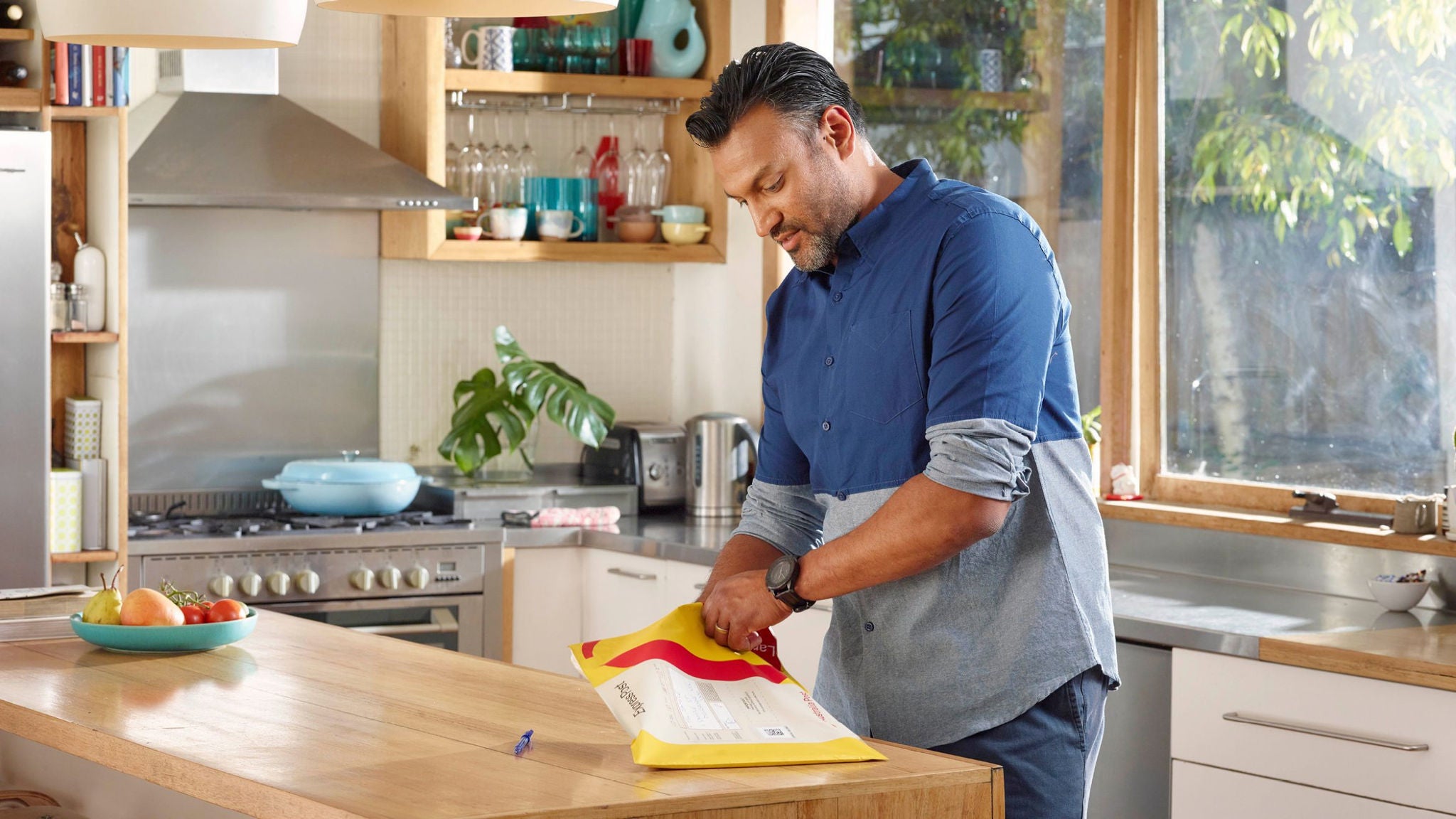
When you start selling online, you need to consider your options for shipping and delivery. For example, should you offer free delivery? What about returns? Can you guarantee fast delivery? What satchels and mailing boxes will you use to send your orders?
According to a recent survey, 42% of shoppers think retailers could improve their delivery options.2 When it comes to returns, a massive 84% of people will turn their back on a retailer after a bad returns experience.3 Online fashion retailer That’s So Fetch found order sizes increased by 5-10% and customer satisfaction improved when they started offering free returns. Getting the delivery experience right will pay off, with more loyal customers and repeat purchases, especially in highly competitive markets.
MyPost Business is a great option here, with smart sending tools to save you time. Use the online portal to create labels, manage your account, offer an easy returns process and give customers the option to manage their deliveries on the AusPost app. Even better, you can lodge your parcels in a way that suits your business; the local Post Office, street posting box or by booking a pickup.
Once everything is set up and ready to go, dive into testing. Get as many people as possible to test the site out on different devices and web browsers. Go through all the possible customer journeys to make sure every page and pathway delivers an optimum user experience. This includes everything from abandoned cart email triggers to 404 error pages. Leave no stone unturned in making sure your whole site is a positive extension of your brand.
Now is the time to promote your online store. If you’re on a budget, social media is a great place to start. Set up Instagram and Facebook profiles for your store, and get into a regular cadence with posts promoting your products and your brand. There are loads of articles, tips and advice online for using social media to promote your online store.
If you have a physical store as well as your new online store, set yourself up on Google My Business to help pull in more customers. If you’re purely online, then consider advertising on Google or social media channels while you build brand awareness.
Just like a physical store needs daily cleaning, visual merchandising and TLC, your online store does, too. Set aside a regular time each week to update your homepage with fresh products and promos, and check that everything is running smoothly.
Dive into the data about your site – either through Google Analytics or your eCommerce platform’s own analytics – to see where your traffic’s coming from, when people are most likely to visit your site and more. Use these insights to help shape future marketing strategies and continually optimise your website.
With MyPost Business, your savings grow as you move up the five savings bands.
1 Australia Post, 2022, Inside Australian Online Shopping Report
2 Australia Post Consumer Parcel Receiver Survey, =2,001, December 2021
3 Internet Retailing, 2021, 84% of shoppers will reject retailers that deliver a poor returns experience.
10 June 2026
Learn how to calculate, measure, track and improve the lifetime value of a customer using a simple formula to power the performance of your business.

23 April 2026
Get a head-start on planning for the eCommerce peak season with this checklist for online businesses.

02 February 2026
Explore online shopping trends from the Australia Post eCommerce Report, plus practical takeaways you can use to drive growth now