When your customers know their parcels have been sent and when they’re likely to arrive, they gain more confidence in shopping online, driving repeat purchases and brand loyalty. 

So, that’s why we continue to enhance the tracking experience any time a parcel is delivered with us. 

What's new

Customers have told us that accurate and timely updates are a key part of a great delivery experience. Now, if our driver can’t leave the parcel at the delivery address, MyPost customers can view a photo of the delivery attempt in the AusPost app.

Your customers can opt out of attempted delivery photos at their address by calling our Customer Service team on 13 POST (13 76 78).  

Clearer tracking updates

When you complete your transaction or manifest, your customer will now receive an easy-to-understand update saying ‘The sender is preparing your parcel’ instead of the previous ‘Ready for processing’ message.

More secure SMS notifications

We’re helping customers detect delivery scam texts by removing clickable links in nearly all of our SMS notifications.

Simplified tracking emails

We’ve redesigned our tracking emails for clarity, consistency and simplicity so customers can quickly grasp key messages and differentiate them from scam emails.

Benefits of our tracking and notifications

  • Choice on where to track – without logging in, online or via the AusPost app

  • Clearer and more accurate estimated delivery dates

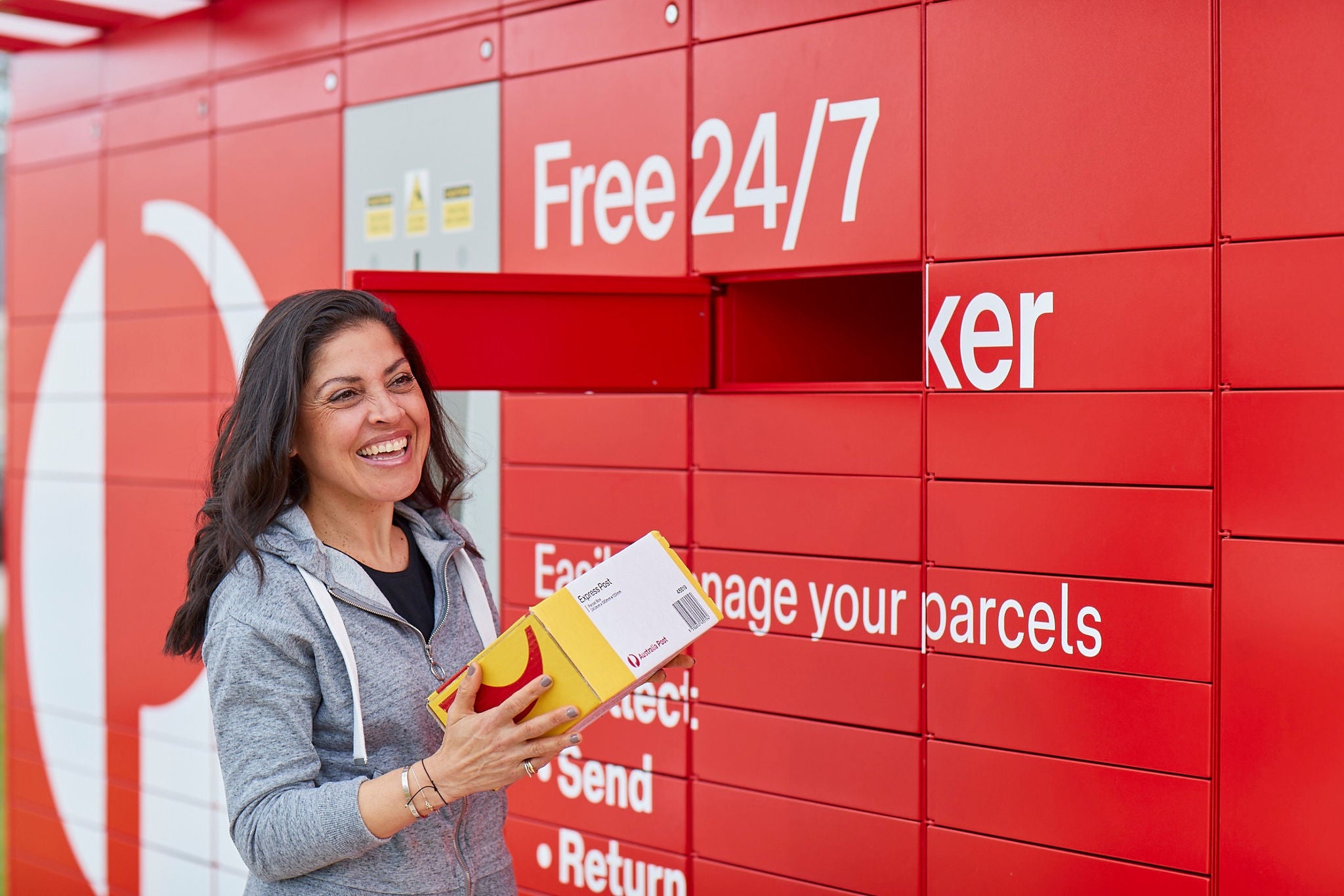
  • 2-hour delivery windowCollect from a 24/7 Parcel Locker or Post Office1

  • Option to redirect parcels in transit

  • Set and manage delivery preferences

How you can help your customers

Our tracking notifications allow customers to actively manage their delivery experience. Here are some ways you can help your customers get maximum benefits from their delivery experience.

Frequently asked questions

In most cases, you can nominate someone else to collect a parcel or letter from the Post Office for you.

If you can’t make it to the Post Office yourself, you can either:

  • arrange for someone else who lives or works at the delivery address to collect it for you
  • give someone else authority to collect for you. To see the ways you can do this, visit collecting a parcel from the Post Office

At the Post Office counter, we’ll ask them to show proof of identity. If the item they’re collecting was sent to a Parcel Collect address or transferred from a Parcel Locker, they’ll also need to show the collection notification email or SMS we sent you. At the counter, they can show the email or SMS – forwarded by you – on their phone, or present a printout of the email.

Signature required items

In some cases, though, the sender may require that you collect and sign for the item in-person. This means you can’t authorise someone else to collect it for you. If you’re ordering something online, you should be made aware of this when placing your order.

To be more sustainable, we’re moving away from leaving cards after an attempted delivery. If you have a MyPost personal account, we’ll let you know about an attempted delivery with a digital notification instead.

Our digital collection notifications provide more accurate and useful information than the card for an attempted delivery. You can choose whether you receive notifications by email, app or SMS, by selecting your notification preferences.

Match more parcels to your MyPost account

To make the most of this change, add the emails you use to shop with to your MyPost account contact details. This will help us automatically match more parcels to your MyPost account.

Find out more about matching parcels to your MyPost account.

Starting 19 May 2025, the AusPost app will provide access to the attempted delivery photo our team members take when attempting delivery. We'll gradually introduce this feature over 2 weeks.

We take a photo to reassure customers that we did attempt to deliver their parcel. The photo will only be available to:

  • the receiver
  • our support team members
  • the driver.

To deliver parcels to you, our team need reasonable, safe access to your property. We infer your permission to access and deliver, or attempt to deliver, and to take photos.

If you don’t want us to take attempted delivery photos

To opt-out of attempted delivery photos, call our Customer Service team on 13 76 78.

If you move to a different address, you will need to opt-out for that address as well.

Once you opt out:

  • Our team will not take a photo for any attempted delivery to that address, regardless of who the parcel is addressed to.
  • If you’ve requested us to leave eligible parcels in a safe place, our team will still take a photo to show you where they left the parcel.

Yes, if your parcel or letter is ready to be collected from a Post Office, you can have it transferred to another Post Office that's more convenient for you. This can be handy if you’re away temporarily, or you’ve changed address.

When you complete the transfer form, you'll be able to search for and select your preferred Post Office. You can pay the transfer fee of $7.20 at the Post Office when you collect your item.

Not sure why your item was taken to the Post Office it's at? You can report a delivery issue instead, asking us to waive the transfer fee.

When collecting from the Post Office, we'll ask you to show ID proving that you're either the person it's addressed to (the 'addressee'), or someone who's authorised to collect (on the addressee's behalf).

You’ll need to show one valid form of photo ID, such as:

  • Australian Driver Licence, International Driving Permit (physical or digital) or Australian Learner Permit
  • Digital Driving Licence (selected states, such as NSW or SA)
  • Keypass (physical card) or other Government-issued proof-of-age card (physical or digital)
  • Australian or international passport
  • Other issued photo or digital ID, such as Working with Children Check, Proof of Age card, Firearms Licence or WorkSafe Licence  

Otherwise, you can show 2 valid forms of ID without your photo. At least one should contain your address, and details must match the name or address on the article. For example: 

  • Medicare card 
  • Credit/debit card 
  • Bank statement, utility bill or rates notice (can be digital)  
  • Current Government-issued ID (pensioner concession card, Veteran Card, Working with Children Check, etc) 
  • MyPost and/or MyPost Concession card 

Please note:

  • Only a current physical or approved digital ID will be accepted. A photo or image of your ID is not digital ID and won’t be accepted.
  • There may be different or extra requirements if you are collecting a parcel addressed to a businesson behalf of someone else, or from a Parcel Locker
  • Some senders sending specific items, like phones or alcohol, may require in-person collection by the addressee only. In these cases, authority to collect options cannot be used.

1 Terms and conditions apply. You have 48 hours to collect your parcel once it has arrived at a Parcel Locker. Please refer to the full terms and conditions at auspost.com.au/parcellockers for further details.