10 June 2026
What is Customer Lifetime Value (CLV)?
Learn how to calculate, measure, track and improve the lifetime value of a customer using a simple formula to power the performance of your business.
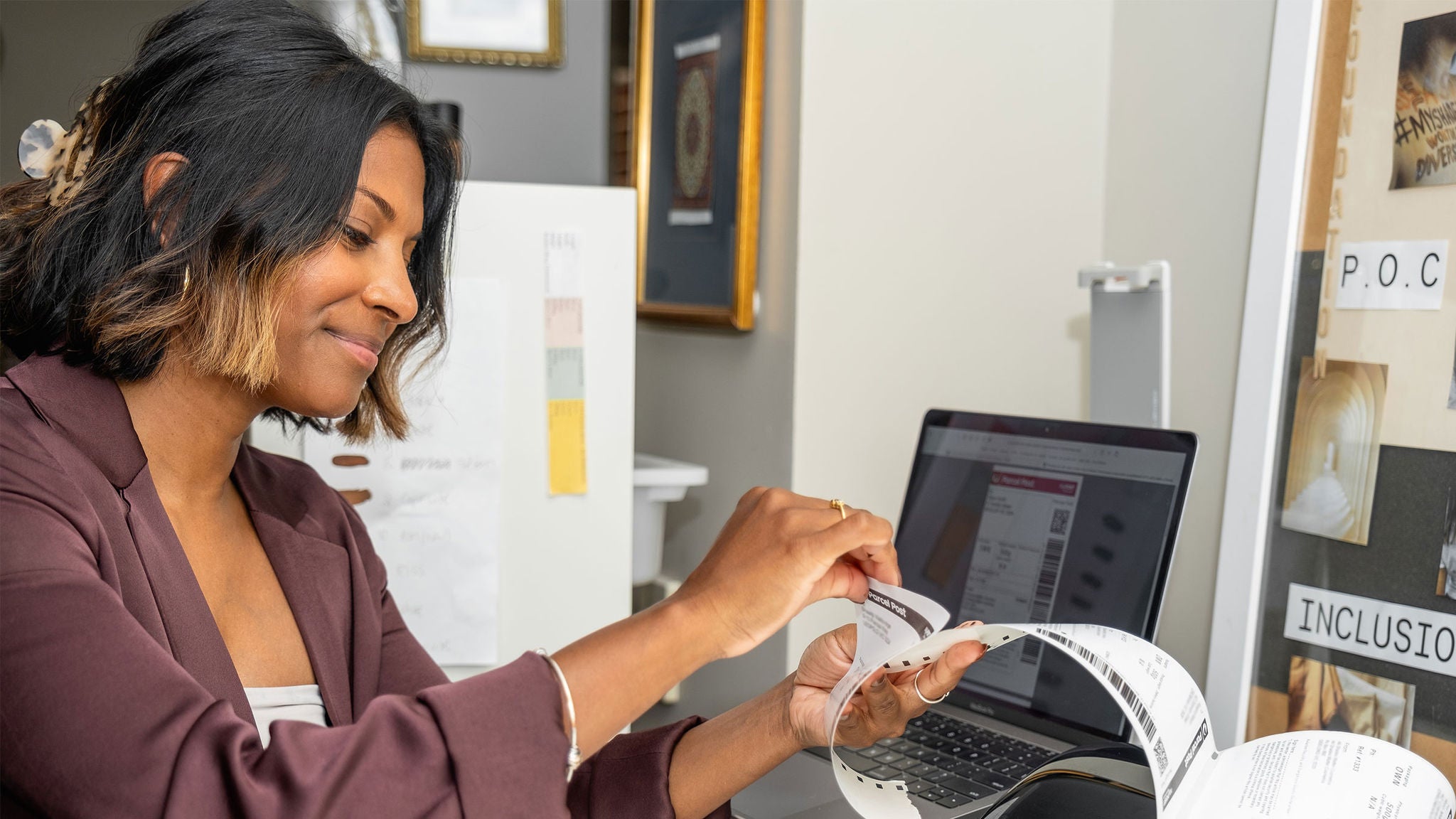
If you’re copying and pasting your orders from your online store into a spreadsheet, or writing out labels by hand, this helpful guide will explain how to automatically create shipping labels for your online orders to save time on sending.
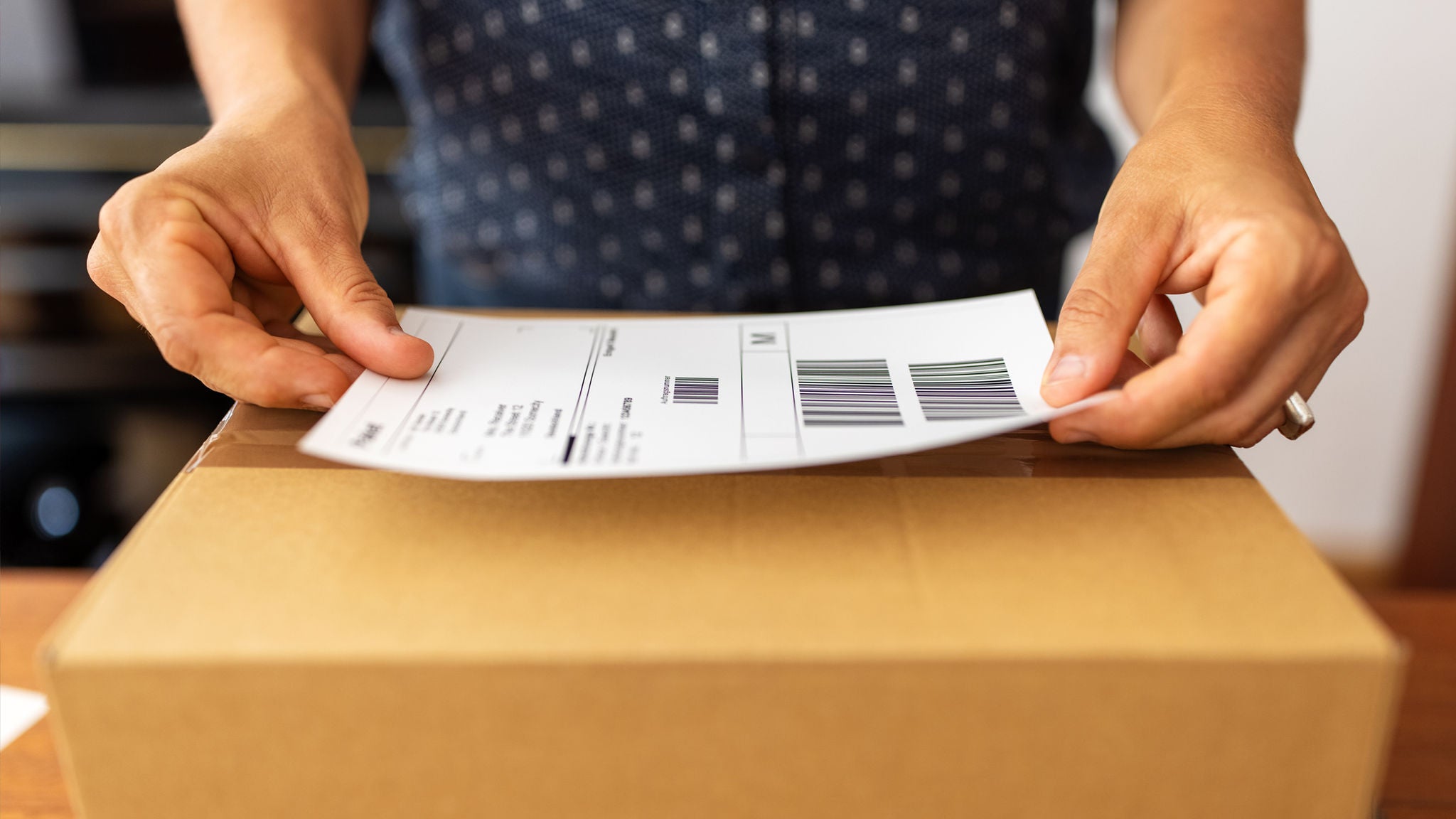
If you have an online store, you want to make it as easy as possible to create your shipping labels. And the more time you save on sending parcels, the more time you can spend on your business.
The solution? It’s called “eCommerce integration”, which simply means connecting your online platforms so they can talk to each other.
We’ve put together a How-to guide to help you understand how it all works, and two options for automatically creating shipping labels for your online orders.
It also includes:
Find out how to automatically create shipping labels (PDF 2.69MB) for your online orders. Get our guide today.
With MyPost Business, your savings grow as you move up the five savings bands.

Writer and Editor
Ben Maher writes about eCommerce, business growth and logistics for Australian SMBs. His research-informed content has helped merchants improve their customer experience, acquisition and operational efficiencies, with a focus on how technology applications can improve business outcomes. His work draws on B2B industry insights, producing practical guidance for Australian SMBs looking to grow.
10 June 2026
Learn how to calculate, measure, track and improve the lifetime value of a customer using a simple formula to power the performance of your business.
23 April 2026
Get a head-start on planning for the eCommerce peak season with this checklist for online businesses.

02 February 2026
Explore online shopping trends from the Australia Post eCommerce Report, plus practical takeaways you can use to drive growth now