Applies to Australia Post and StarTrack business customers with an account.
What is a credit claim?
You can request a credit if you've noticed an invoice discrepancy or incorrect charge on your invoice.
To better understand your fees and charges:
- Review fees and charges explained
- Inspect transactions in your AP Biller Extract (Australia Post account holders only), or
- Contact the Billing & Invoice Support team by email at billing@auspost.com.au
How to submit a credit claim
There are two ways that you can submit a credit claim:
Submit a credit claim using the Business Support Portal
Save time with pre-filled data, track the claim status and receive your credit sooner.
To submit, you'll need access to the Business Support Portal, located within the Merchant Portal. To request access or for help, visit Merchant Portal help and support.
Instructions:
1. Log in to the Merchant Portal.
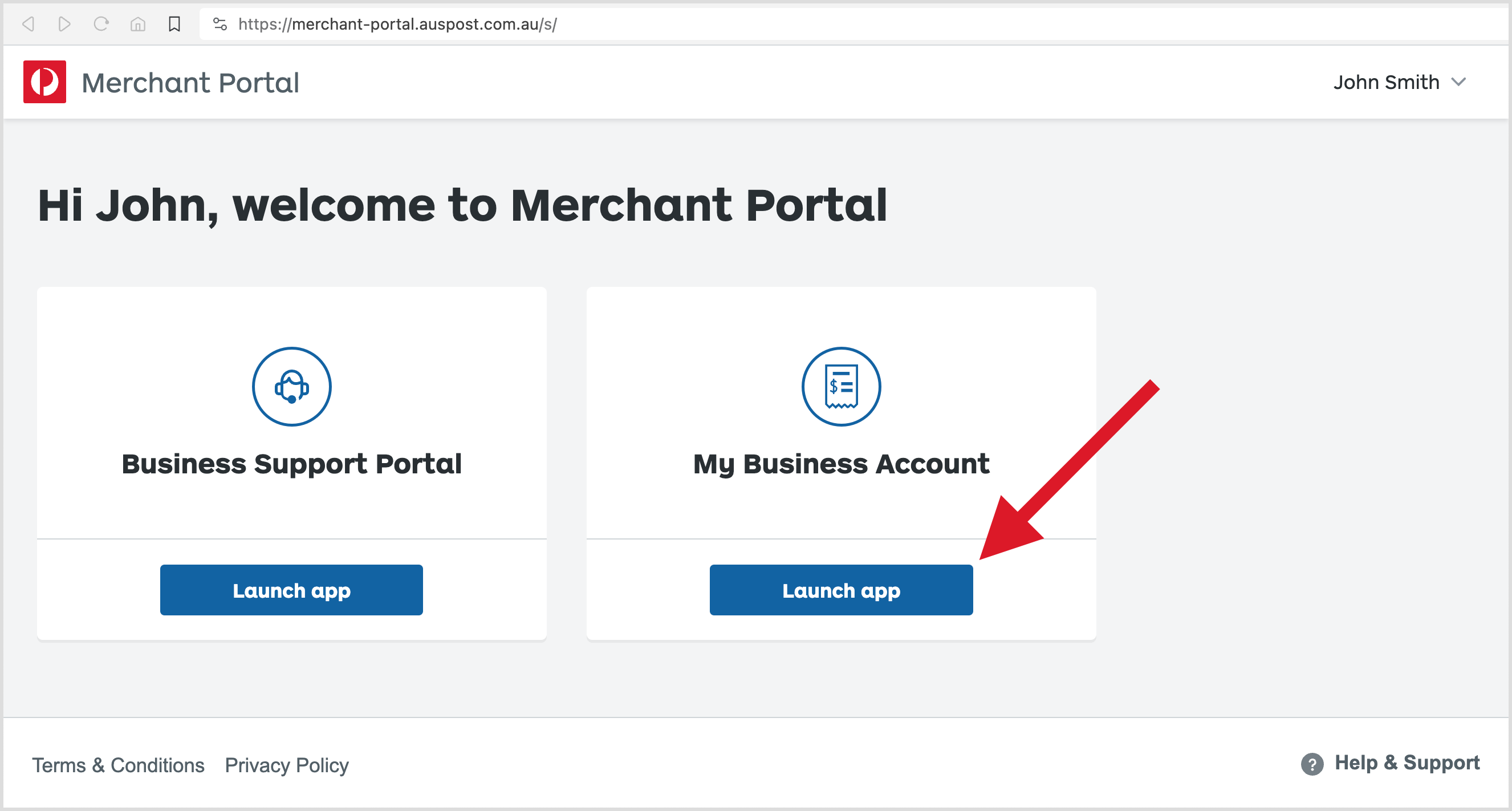
2. Select Launch app for Business Support Portal.
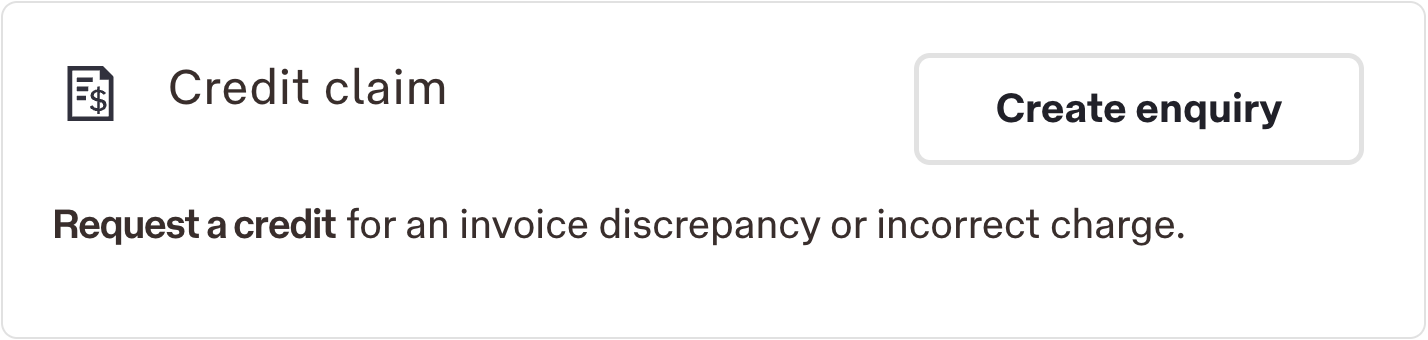
3. In Credit claim, select Create enquiry and follow the prompts.
or
Submit a credit claim using the Enterprise Credit Claim form
Submit a claim through the Enterprise Credit Claim form.
No log in required.
Alternatively, if you have been incorrectly charged for a lodgement that you made at a Post Office, Business Hub or Business Centre, you can raise an investigation where you made the lodgement, within 90 days.
Credit claim process and outcome
After submitting your credit claim, your case will be investigated by the Customer Resolution Team. If confirmed as valid, a credit will be issued.
We'll aim to process credit claims within 10 business days.
When you submit a credit claim, you'll receive an email confirmation which contains your case number in the email subject. If you need to add information to your claim, reply directly to this email to ensure that your message is added to your existing case.
You can check the status of a credit claim by replying to the last email you've received that has your case number in it.
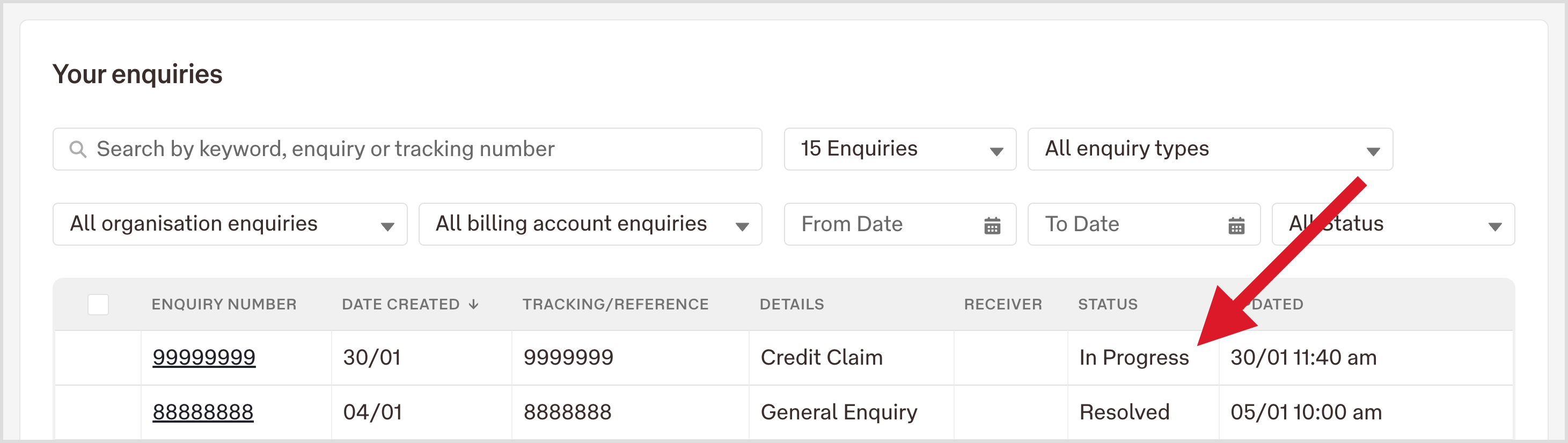
If you've submitted a credit claim using the Business Support Portal, your case status will be shown in the Business Support Portal dashboard, in the Your enquiries section.
Instructions
1. Log in to the Merchant Portal.
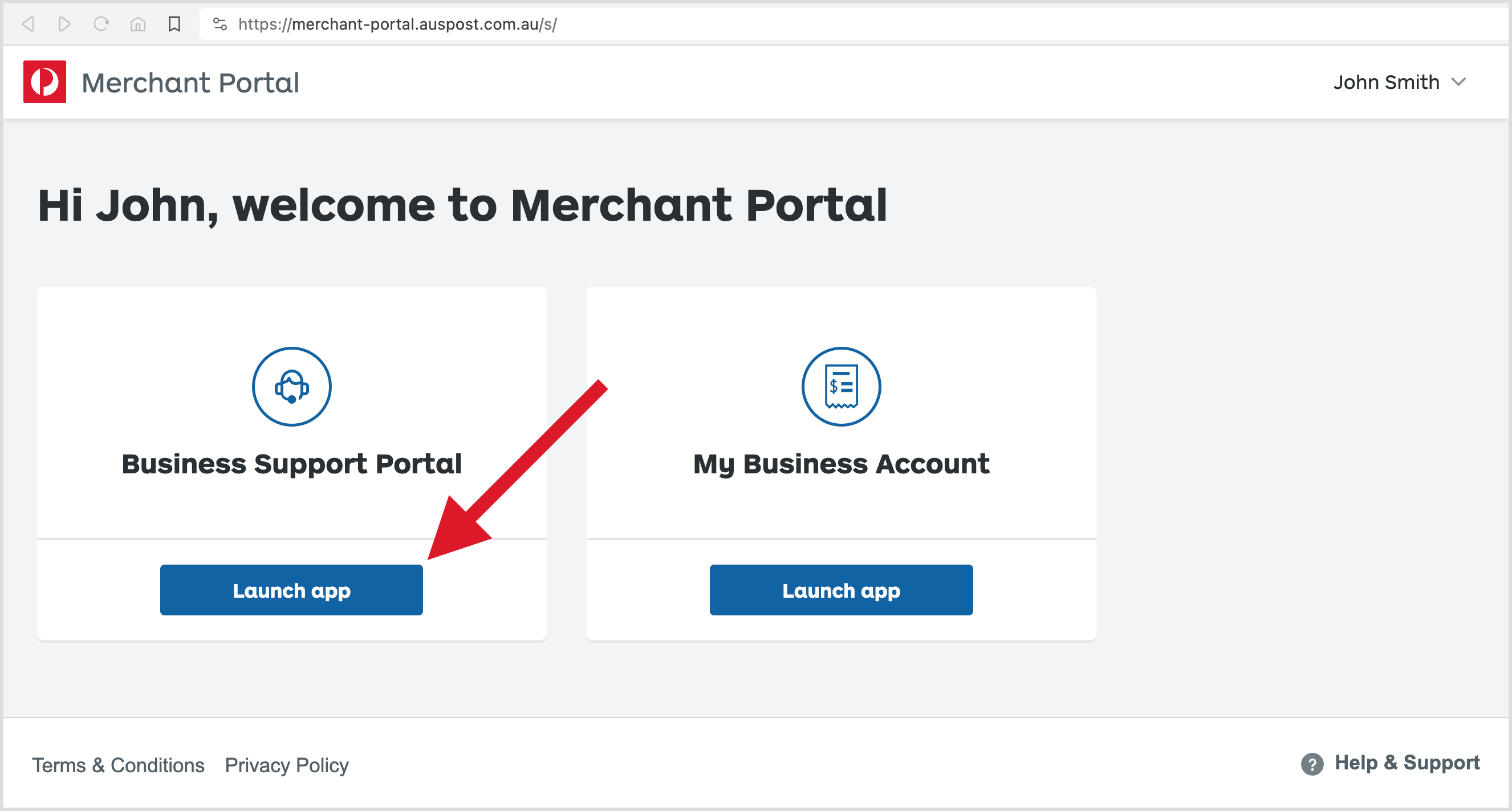
2. Select Launch app for Business Support Portal.
3. Scroll down to the Your enquiries section to check the status.
Did you find what you were looking for?
Let us know how we could improve.