Applies to Australia Post and StarTrack business customers with an account.
All accounts are assigned a credit representative (also known as a 'credit officer’).
What your credit representative can help with
- Suspended accounts
- Payment difficulties
- Fund allocation
- Direct debit for Australia Post accounts
- Reply paid cancellation requests
For help with other enquiries, consider:
- Fees and charges explained – Includes investigating if an invoiced fee or charge is valid.
- Credit claims – For an invoice discrepancy or incorrect charge.
- Invoices and billing – Understanding your invoice, documentation and files.
Australia Post – Contacting your credit representative
Your credit representative's contact details are on the middle right of your invoice, under the 'payment help' heading. If you don't have a copy, see download invoice.
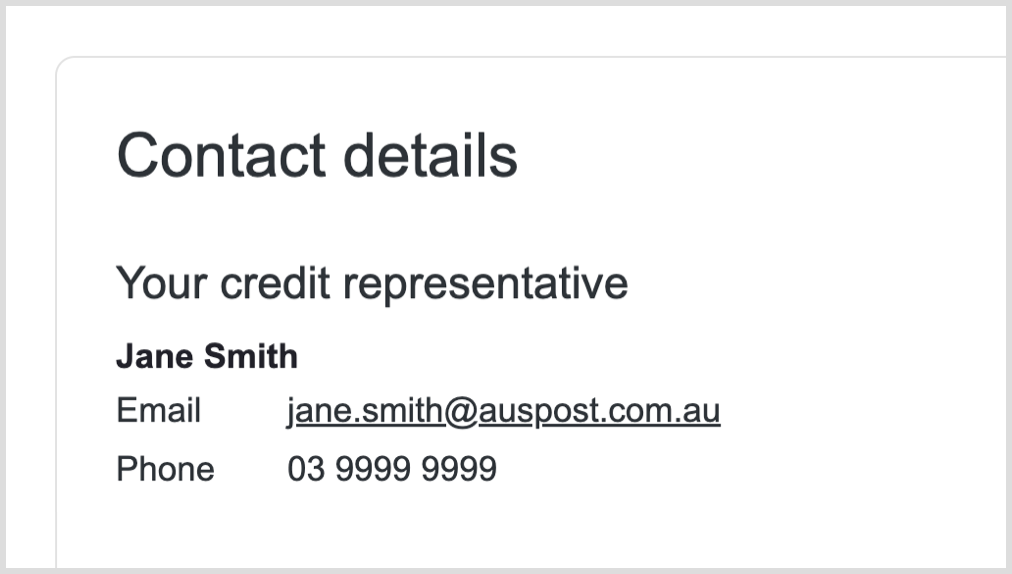
You can also find the contact details of your credit representative in My Business Account (MBA), in the Merchant Portal. To request access or for help, visit Merchant Portal help and support.
Instructions
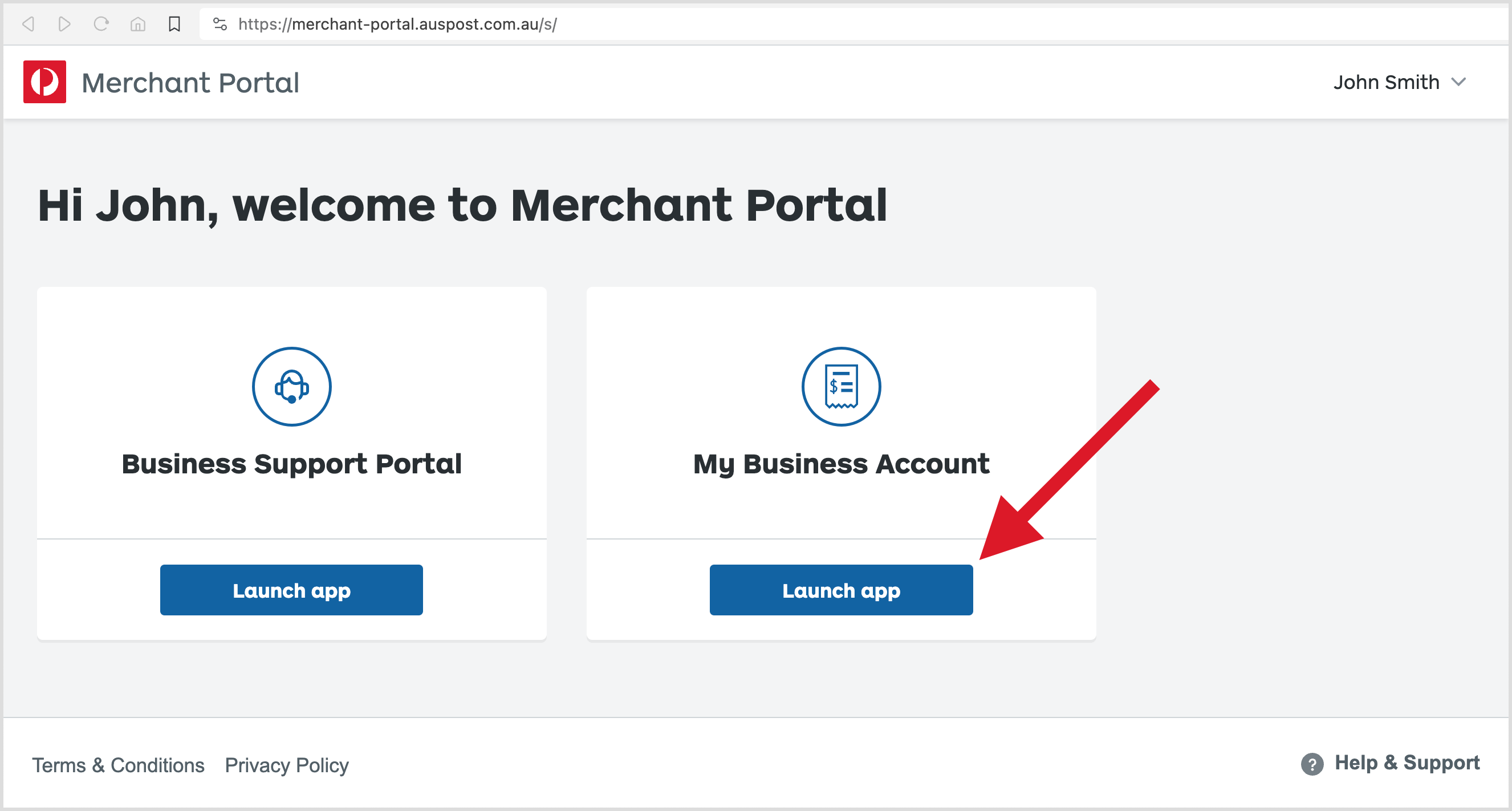
1. Log in to the Merchant Portal.
2. Select Launch app for My Business Account.
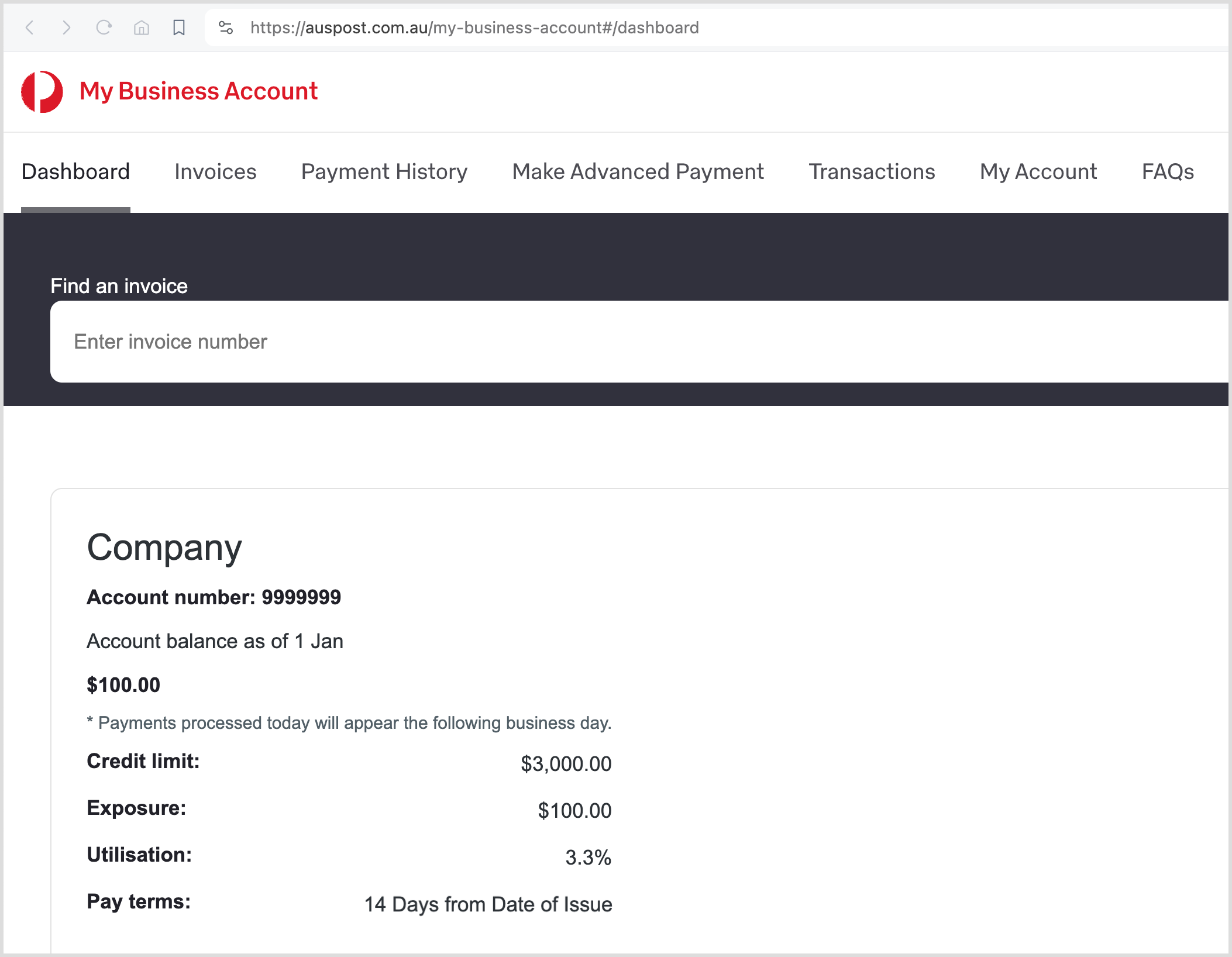
3. On this dashboard, scroll down to the Contact details section.
Related
- Merchant Portal help and support – Self-service apps, My Business Account (MBA)
StarTrack – Contacting your credit representative
Your credit representative's contact details are towards the bottom left of your invoice, under the 'payment help' heading.
If you don't have a copy, see download invoice.
Did you find what you were looking for?
Let us know how we could improve.